
Most online resizers work the same way: you upload a file, a server does the work, and you download the result. It works, but it means your images sit on someone else's machine — even briefly — for a task your own device can handle instantly. We kept asking why a tool whose entire job is arithmetic on pixels needed to see your files at all. It did not. So we rebuilt it.
Everything happens locally
Resizely decodes, crops, scales and re-encodes your image using the browser's native canvas engine. Nothing is uploaded, nothing is queued, and nothing is stored. There is no server component in the processing path at all — you can watch the network panel while you work and see that your file never leaves the tab. Close the tab and there is no trace left anywhere.
“The safest place to process a private file is the machine it is already on.”
Why this matters more than it sounds
The images people resize are rarely abstract stock photos. They are client mock-ups under NDA, product shots before launch, ID documents for a visa application, family photos for a frame. Every one of those is a file you probably should not be handing to an anonymous server in exchange for a resized copy. On-device processing removes the question entirely — there is nothing to breach because nothing is ever held.
What you get out of it
- Privacy by design — client assets never leave your laptop.
- No upload wait, no download wait, no processing queue.
- It works on flaky connections, and keeps working offline once loaded.
- No account, no file-size cap imposed by a server.
- No retention policy to read, because there is nothing to retain.
The speed surprise
The unexpected finding from the rebuild was speed. A typical server-side tool spends most of its wall-clock time on transfer — uploading a 20MB photo on a coffee-shop connection can take longer than the entire resize operation. Moving the work onto the device deletes the transfer step from both directions, so even with slower raw processing, the end-to-end time drops. In our testing, a full resize-and-export cycle lands in under two seconds for most images.
The trade-offs we accepted
On-device processing is bounded by your device's memory, so extremely large images take a moment on older hardware. A 100-megapixel panorama from a medium-format camera will make an ageing laptop think hard. We think that is a fair price for never handing your files to a stranger — and in practice it is still faster than a round trip to a server, because the network was always the slow part.
There are also features this model deliberately rules out. We cannot offer cloud history, cross-device sync or batch jobs that keep running after you close the tab — all of those require holding your files, which is exactly the thing we set out not to do. For a tool whose promise is “drop, resize, download”, we consider that a clean trade.
What this means for teams
The on-device model also removes a category of compliance headaches. There is no data-processing agreement to sign for the resize step, no sub-processor list to audit, and no question about which jurisdiction your files passed through. For agencies handling client work, that means one less vendor on the risk register — the tool is just software running on hardware you already control.
It also changes how the tool fits into a workflow. Because there is no queue and no account, anyone can open the page, resize a file, and be gone in seconds. There is nothing to onboard, nothing to provision, and nothing to revoke when a contractor's engagement ends.
How the pipeline actually works
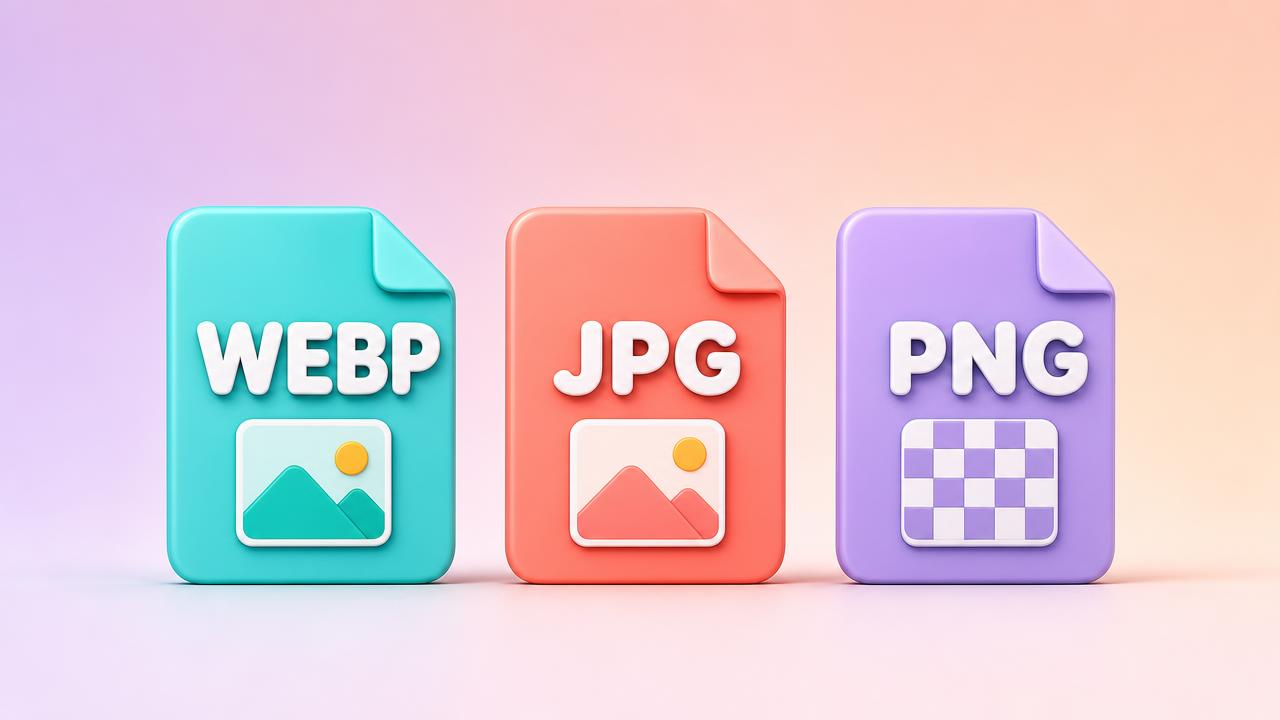
Under the hood, the browser already ships everything a resizer needs. The file is decoded with the same engine that renders images on the web, drawn onto a canvas at the target dimensions using high-quality smoothing, and re-encoded through the canvas encoder with your chosen format and quality. Cropping and aspect-ratio math happen in plain JavaScript. There is no WebAssembly module to download and no plugin to install — just capabilities that have been part of every modern browser for years, finally wired together into a focused tool.
Where we go from here
On-device is now the foundation everything else builds on. Future improvements — smarter crop suggestions, more platform presets, additional export formats — all inherit the same guarantee automatically, because the architecture makes it impossible to do otherwise. Privacy stops being a policy page and becomes a property of the code itself.
Try it with the network tab open
You do not have to take any of this on faith. Open your browser's developer tools, watch the network panel, and resize an image. You will see the page load — and then silence. No upload, no API call, no analytics carrying your file away. That silence is the feature.