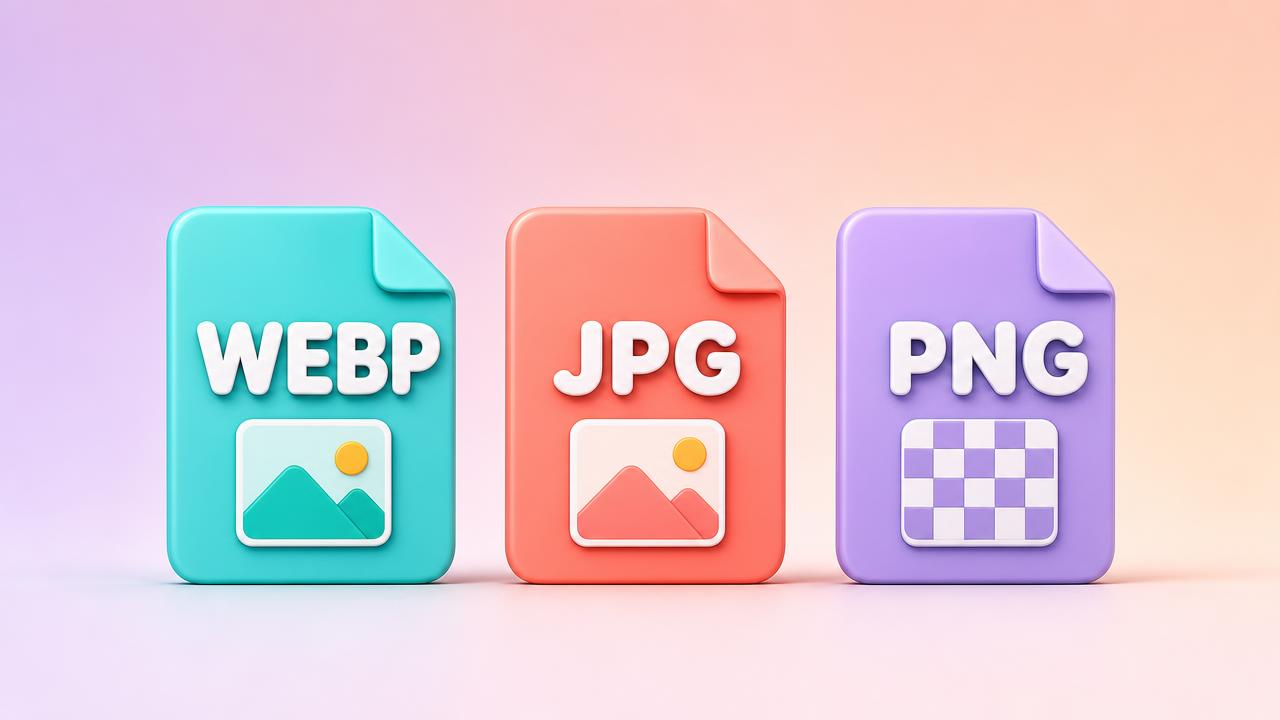
Format choice is one of those decisions that quietly compounds. Pick well and your pages stay light without anyone noticing; pick badly and you ship megabytes of avoidable weight across every page view, every day, forever. The good news is that the decision tree is genuinely short — three formats cover almost every real-world case.
The short answer
- Photographs → WEBP, with JPG as a fallback if you must support very old clients.
- Flat graphics, screenshots, anything with sharp edges or text → WEBP, or PNG when you need pixel-exact fidelity.
- Transparency → WEBP or PNG. Never JPG; it has no alpha channel.
If that is all you needed, you can stop reading. The rest of this article explains why the rules exist — and where they break.
JPG
Lossy, universally supported and still perfectly good for photographs. JPG compresses by throwing away detail the human eye is bad at noticing, which works beautifully on the smooth gradients and natural noise of photos. Its weakness is anything with hard edges: text and line art pick up visible halos, and repeated re-saving degrades the image every single time, because each save re-runs the lossy pass on already-damaged data.
Use it when
A platform explicitly demands JPG, or you are handing files to a system whose support you cannot verify — older content management systems, marketplace uploaders, and some email tools are the usual suspects. Outside those cases, WEBP has effectively replaced it.
PNG
Lossless with full alpha transparency. PNG stores every pixel exactly, which makes it perfect for logos, UI assets and screenshots where every pixel must survive intact — and far too heavy for photographs, where it can be several times the size of an equivalent JPG. A photo that weighs 200KB as a WEBP can easily balloon to 3MB as a PNG with zero visible benefit.
PNG also earns its place as a working master: because it is lossless, you can re-open, edit and re-save it indefinitely without degradation. Keep masters in PNG (or the original RAW), export delivery copies in WEBP or JPG.
WEBP
Lossy or lossless, with transparency in both modes, and supported by every current browser. For most projects it is simply the better default: 25–35% smaller than JPG at comparable quality, and frequently smaller than PNG for the same flat graphics. It handles the photographic case and the transparency case in one format, which is why so many modern pipelines standardise on it.
“If you have no specific reason to choose otherwise, ship WEBP.”
A two-minute decision rule
Ask three questions in order. Does it need transparency? If yes: WEBP, or PNG for pixel-exact masters. Is it a photograph? If yes: WEBP, quality around 80. Is it flat art with text or sharp edges? WEBP, and compare against PNG if fidelity is critical. That covers essentially everything.
Gotchas worth knowing
- Some email clients still do not render WEBP — use JPG or PNG in emails.
- Converting JPG to WEBP will not undo compression artefacts already baked in.
- Lossless WEBP is not always smaller than PNG for very simple graphics — check both.
- Marketplaces and app stores often mandate a specific format; read the spec before exporting.
- Quality settings are not comparable across formats — 80% in WEBP is not the same as 80% in JPG.
What about AVIF?
AVIF is the newest contender and it is genuinely impressive — often another 20% smaller than WEBP at the same visual quality. The catch is support and speed: encoding is slow, a few older browsers and tools still choke on it, and some social platforms will not accept it for uploads. For cutting-edge websites with a build pipeline that can generate fallbacks, AVIF is worth testing. For everyday exports, uploads and hand-offs, WEBP remains the safer default.
The master-and-export habit
Whatever format you ship, keep one lossless master of every important image — the original RAW, PSD or a PNG export. Lossy formats are one-way doors: once detail is gone, no converter can bring it back. Masters let you re-export at any size or format the future demands, which is exactly the workflow Resizely is built around — drop the master in, export the delivery copy, keep the master untouched.
Testing formats side by side
The only comparison that matters is your image at your target size. Export the same file as JPG at 80%, WEBP at 80% and PNG, then look at them at 100% zoom in the context where they will actually appear. Check the places compression shows first: skies and smooth gradients for banding, text edges for halos, and fine textures for smearing. Most of the time the winner is obvious within a minute, and the file-size difference makes the decision for you.
The bottom line
Format decisions feel small, but they are made once and paid for on every single page view. Standardise on WEBP as your default, keep PNG for masters and pixel-exact assets, reach for JPG only when a platform forces it, and revisit AVIF once your pipeline can serve fallbacks. Three formats, three jobs — the decision tree really is that short.
Resizely exports JPG, PNG and WEBP with a quality slider on the lossy formats, so you can compare two exports side by side before committing. When the file size difference is invisible to the eye, take the smaller file — your future page-speed report will thank you.